
Announcement/report date: . Research and analysis. Editorial standards.
Microsoft Digital Defense Report 2026: findings and scope
In an October 1 commentary on its 2026 Digital Defense Report, Microsoft says phishing accounted for 23% of observed intrusions, compared with 7% in 2025. It also reports that 52.2% of intrusions involving valid accounts led to additional credential theft. The report examines activity from July 2025 through June 2026.
These figures describe Microsoft’s observations; they are not a measurement of the probability that a particular business will be attacked. Microsoft’s report commentary provides the source context.
Why a real account can still create risk
Our analysis: systems often grant a signed-in user access to multiple resources. If someone else gains control of that account, the permissions remain useful to the intruder. The practical question is therefore both how to protect sign-in and how far an account can reach after sign-in.
A small team can begin by listing its most important accounts: business email, hosting, domain registration, payment services and administrative consoles. Identify who owns recovery methods and who can revoke access. Recovery information that only one departing employee controls creates an avoidable operational problem.
Separate routine work from administrative access where the service supports it. Review old collaborators and unused integrations. An integration that no longer serves a business purpose should not keep access merely because it has never caused a visible incident.
A focused identity review for a small team
- Check that important accounts have the strongest supported sign-in protection you can reliably use.
- Keep recovery codes secure and test the documented recovery process without exposing secrets.
- Review privileged roles and remove obsolete access.
- Know where sign-in and sharing logs are available.
- Require independent confirmation for payment-detail changes.
- Document how to revoke sessions and integrations if an account is compromised.
For an unexpected alert, open the service through a known address rather than the message’s link. If a compromise is suspected, preserve relevant records and involve the service administrator; changing a password alone may not address active sessions or connected applications.
Our phishing verification guide helps with suspicious requests. If your team is connecting an agent to business accounts, also review its permission scope. Useful security work follows your actual systems and access, rather than a headline statistic.
Related articles

OpenAI False-Front Operations Report: How to Verify Sources
An October 8 report describes AI-assisted influence campaigns. The practical lesson is to verify provenance instead of judging an article by its polished appearance.

What Is Prompt Injection? AI Agent Risks and Defenses
Learn what prompt injection is, how untrusted documents can influence AI agents, and why tool permissions and action review matter.
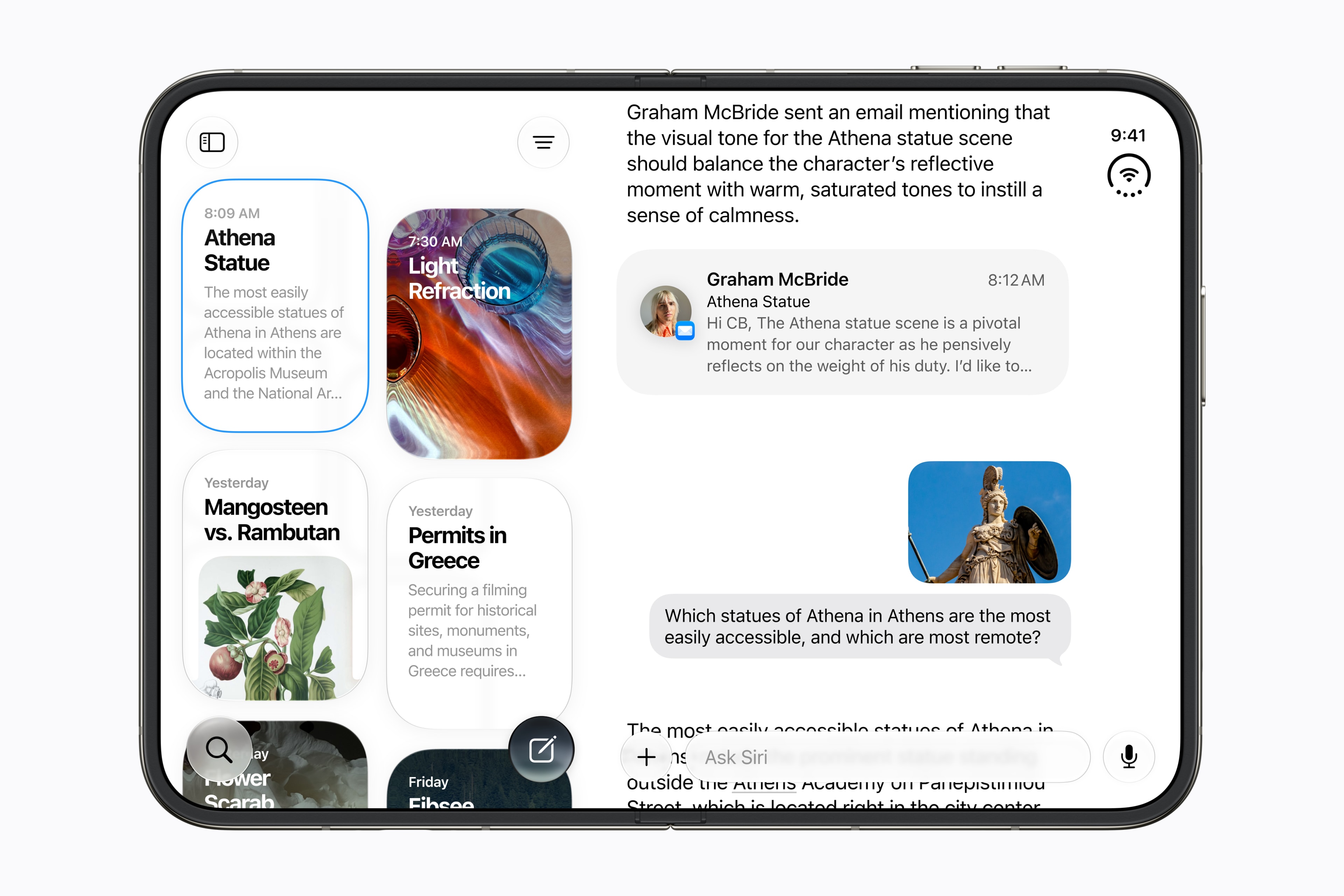
iPhone Duo Privacy: A Practical Siri AI Checklist
Separate on-device processing, cloud requests and your own sharing decisions before using personal-context AI.
