Research and analysis. Editorial standards.
Check the request, not the writing style
A message can have perfect grammar and still be fraudulent. It can also contain spelling mistakes and be legitimate. Rather than guessing whether AI wrote it, focus on what the sender wants you to do: sign in, transfer money, install a file or disclose a code.
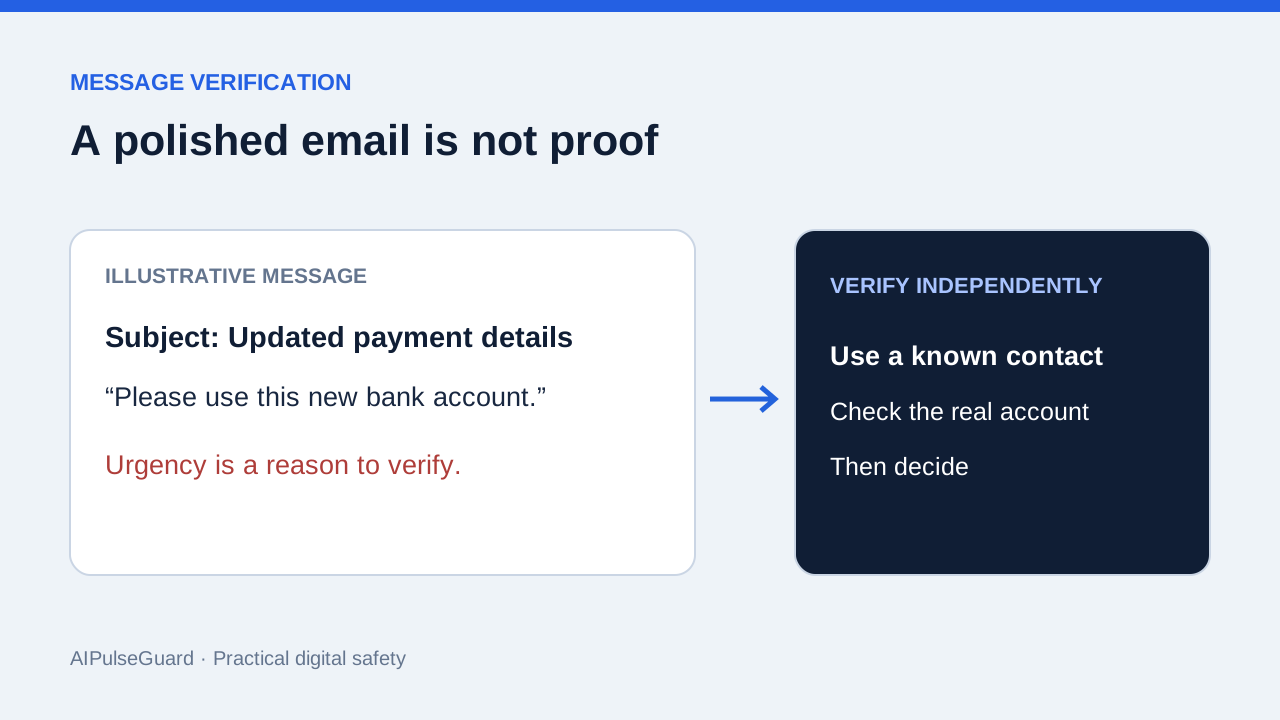
Urgency is a reason to slow down. Treat requests to bypass a normal payment process, use a new bank account, or keep a transaction secret as verification triggers. A familiar display name or logo does not establish who controls the account.
Verify outside the message
- Open the service through a saved bookmark or by typing its known address.
- Check for the claimed alert or request within that account.
- For payment changes, contact the person using a number you already have.
- Do not use the phone number or sign-in link supplied by the questionable message as your sole verification channel.
A realistic example is a supplier announcing new payment details. Confirm the change through the established contact and your usual approval process before updating the payment record. If the supplier’s mailbox is compromised, replying to the same thread may reach the attacker.
If you already acted
If you entered a password, navigate independently to the real service and change it. Review active sessions and recovery details. If you disclosed a payment or sent money, promptly contact your bank through its official app or a known number. For a work account, notify your internal support or security team and preserve the message.
Do not send more money to someone claiming they can recover the loss. Document what you shared and when; specific facts help the legitimate account provider assess the incident.
Related articles

Preordering iPhone Duo? Check the Seller, Payment and Messages First
A practical safety checklist for launch offers, fake reservations and delivery messages—without assuming every promotion is fraudulent.
Before you connect an AI agent, check these permissions
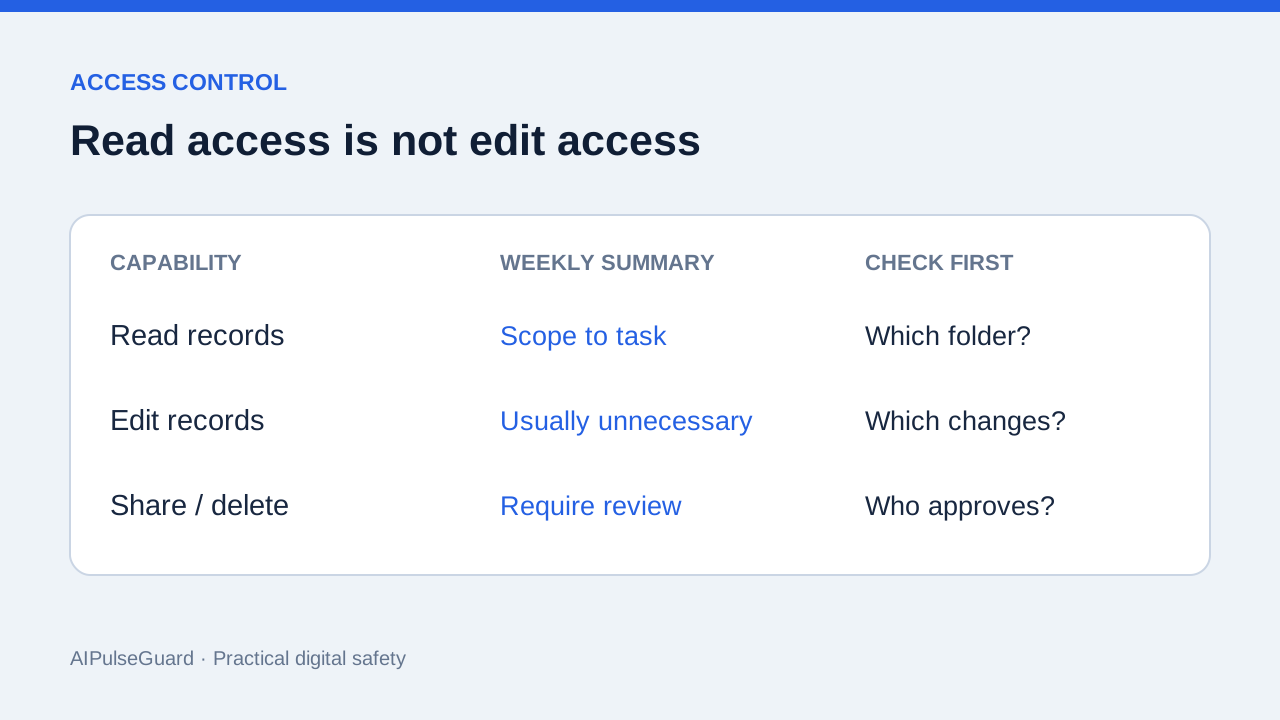
A practical way to turn a vague access request into a small, auditable set of capabilities.
What to remove before you paste work into an AI assistant
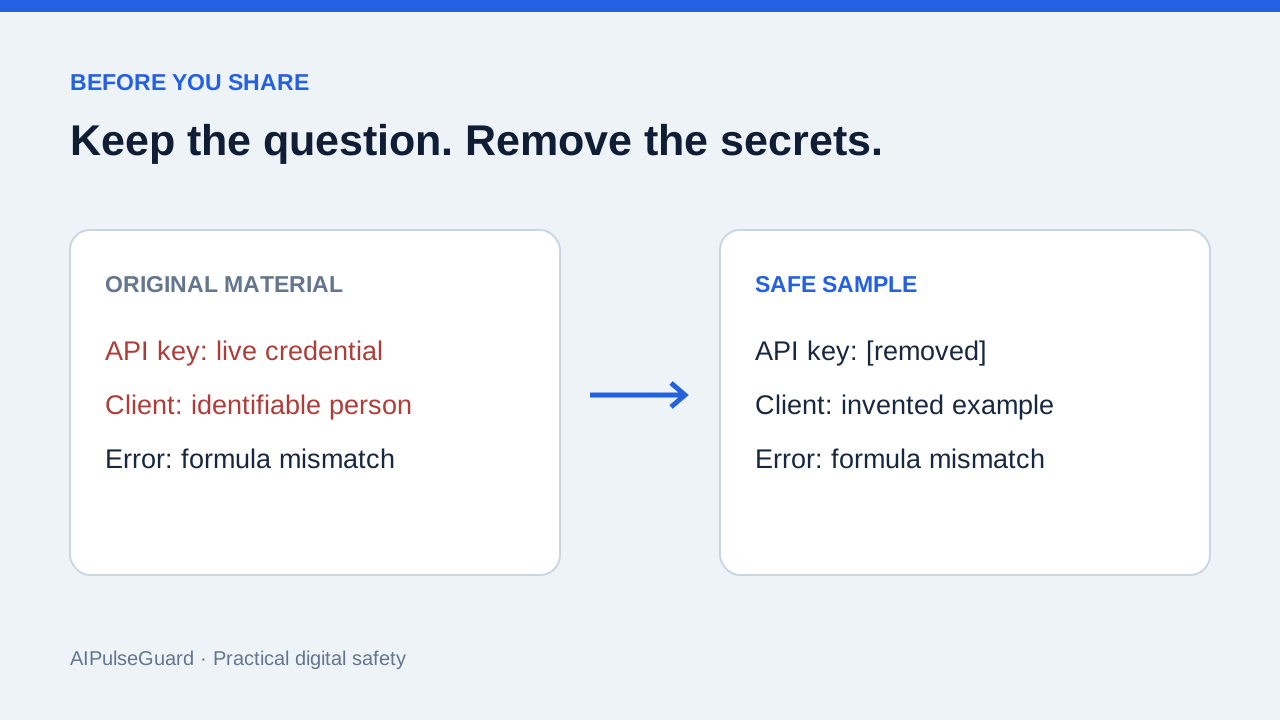
A quick review for credentials, personal data and confidential context.