Research and analysis. Editorial standards.
iPhone Duo privacy: three questions to ask
Before giving an assistant personal context, ask: where is the request processed, what information does it receive, and what can happen to the result? Those questions are related, but they are not interchangeable.
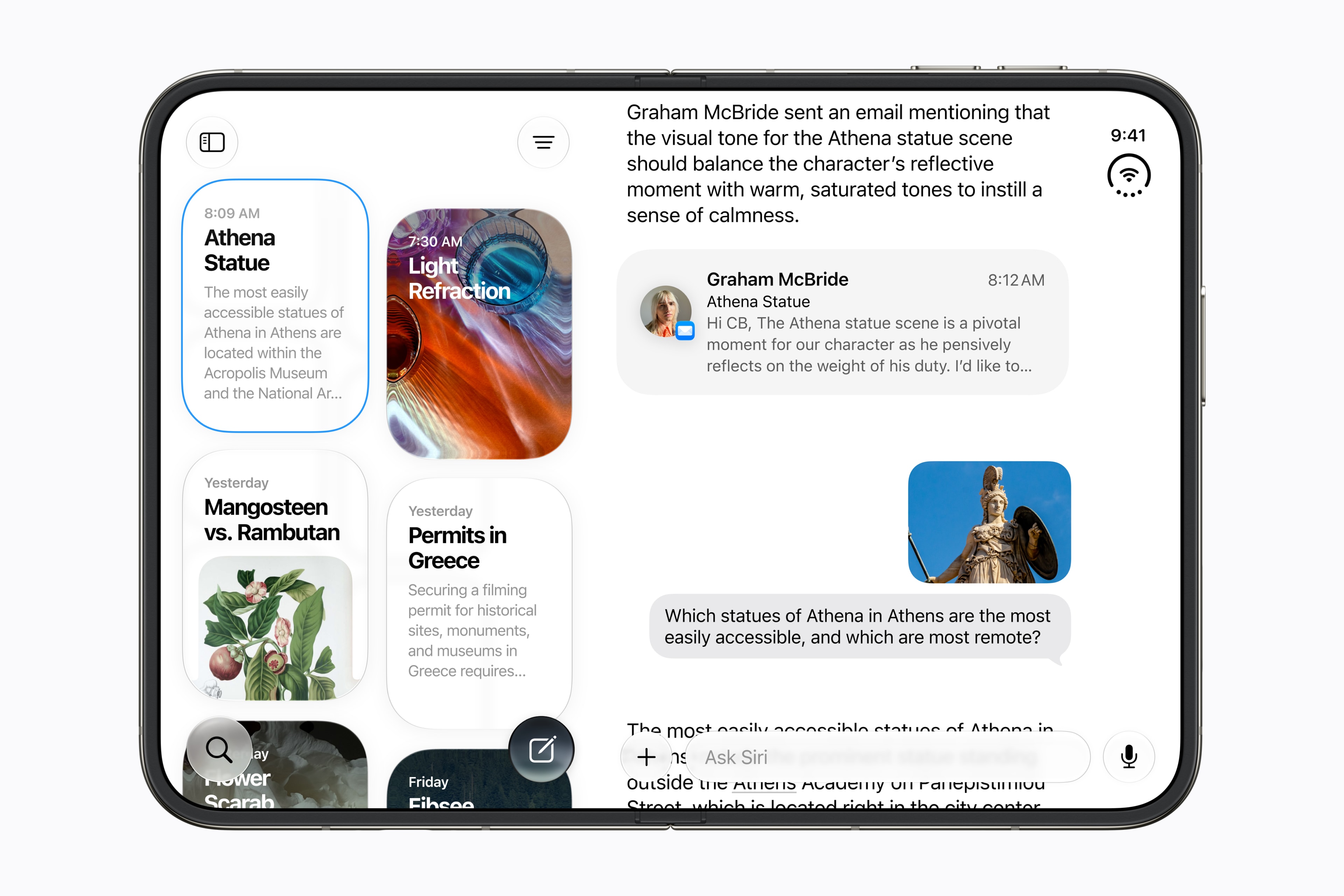
Apple’s Duo announcement says Apple Intelligence uses local processing and Private Cloud Compute. That is a description of its processing architecture, not proof that every possible app or third-party service uses identical rules. We have not tested Duo’s privacy controls or performed a security audit.
What Private Cloud Compute is designed to do
Apple’s Private Cloud Compute security guide describes a system for AI requests that need more processing than the device can provide. Its stated design goals include limiting personal data to the request, avoiding retention after the response and enabling independent verification of protections.
These are architecture claims from Apple. They do not mean that a generated answer is accurate, that a person cannot share it with the wrong recipient, or that data you separately give another app follows PCC’s rules. Examine the exact feature and destination rather than treating the phrase “private AI” as a universal permission to upload.
A five-step checklist before your first sensitive task
- Name the source. Write down whether the input is a personal note, workplace record, photo or message. Identify information about other people.
- Reduce the input. Remove credentials, recovery codes and unrelated identifiers. Use an invented example when it can answer the same question.
- Check the processing context. Read the current feature documentation and any service or permission prompt. If it involves another provider, review that provider’s rules too.
- Set an output boundary. Ask for a draft you can inspect. Verify recipients and content before sharing or taking consequential action.
- Plan the exit. Know where to review access and history for the exact feature. Do not assume deleting one conversation removes copies already sent elsewhere.
For example, to turn a meeting note into a follow-up, first replace client names with placeholders. Check the generated dates and commitments against the note. Reinsert necessary details only in the approved destination after review. This is our practical scenario, not a Duo interface walkthrough.
For work, permission matters as much as processing
A device owner may have access to a file without authorization to submit it to a new service. Ask your organization which tools are approved for that record type. Avoid moving a whole mailbox or shared folder into a workflow when one sanitized excerpt is sufficient.
If a workflow needs customer records, regulated information or confidential plans, obtain the relevant internal guidance first. Do not infer approval from the fact that the feature appears in a familiar operating system.
See our guide to removing sensitive material from AI inputs. We will add a device-specific settings walkthrough only after its current interface can be verified.
Related articles
iPhone Duo AI Features: Siri, Workflows and Launch Questions
A source-based guide to Apple’s foldable iPhone, with a practical framework for judging Siri AI and everyday usefulness.

iPhone Duo Preorder Safety: Seller, Payment and Message Checks
A practical safety checklist for launch offers, fake reservations and delivery messages—without assuming every promotion is fraudulent.
What Is Prompt Injection? AI Agent Risks and Defenses
Learn what prompt injection is, how untrusted documents can influence AI agents, and why tool permissions and action review matter.